
Appearance
Issue Severity
After classification is the severity. These can be added with the plus icon, edit them using the standard edit icon, and then save using the standard save icon.
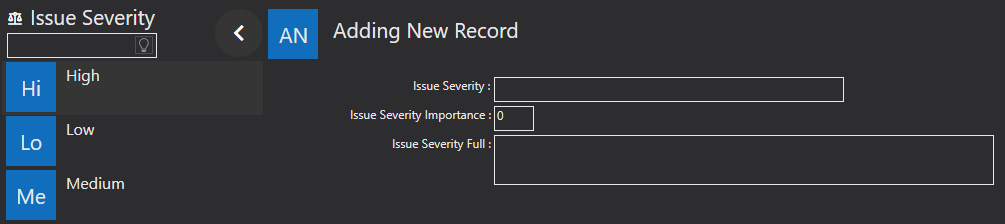
Issue Severity - enter a description of the severity of the issue. For example, High, Medium, Low.
Issue Severity Importance - this is a scaled number which you can use to define the level of importance. How great a value must be to indicate a degree of severity is determined by you/ your organisations chosen scale.
Issue Severity Full - is where you can provide a description, which then would allow the person who raises the ticket to know which severity to select.
Field reference
Every field on this screen, with the options each one accepts.