
Appearance
Areas
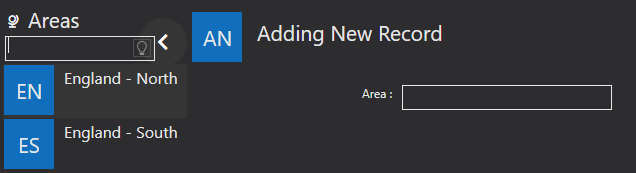
Areas are used to record the different areas your schools are in, e.g their geographical area. These are optional and will only show if enabled in the General Settings of the System Configuration. They are used by Teachers, and within Centres and Schools. They can be added, edited, and deleted using the icons along the bottom of the Areas screen, as shown in the System Settings menu.
Field reference
Every field on this screen, with the options each one accepts.