
Appearance
Who is actually in this group?
Finding the members, writing to them, and sorting out the two that come up most - an empty list, and somebody in twice.
Step 1 of 7
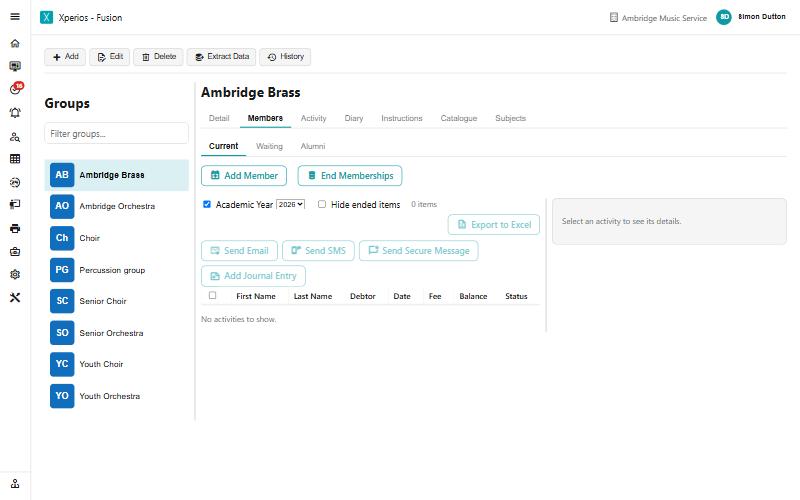
The Members tab holds three lists
Open the group from Services and go to Members. Current is who is in it, Waiting is who has applied and not been placed, and Alumni is who has been. If somebody swears they registered and is not in Current, look at Waiting before anything else.
Add Member and End Memberships sit above the list. End Memberships is the bulk one - it finishes several at a time rather than one by one.
Use the arrow keys to move between steps.
Why this one is worth knowing
Two questions account for most of the group tickets, and neither is really about groups.
"Everybody has vanished." The Academic Year tick box, almost every time. A group is not a standing list of people - it is a list per year, sitting on a plan per year, and both of those can be empty while the group itself looks fine.
"They are in twice." A roll-over and an online application, meeting. Worth recognising on sight, because the tidy-up has a trap in it: removing a membership tells the parent, whatever you tick.
The same ground, as reference
- Groups — the screen in full
- Emailing a lot of people at once — when one group is not enough
- Finishing and withdrawing — ending a membership properly rather than removing it